Imagination Realized
Our Open Source Developers combine Model.Earth data visualizations with FloraFauna.ai storyboards.
Get started generating worlds using Flux, Midjourney, Runway, Pika, Claude, Grok and Luma Dream Machine.
FloraFauna Flux Midjourney Claude Grok Dream Machine
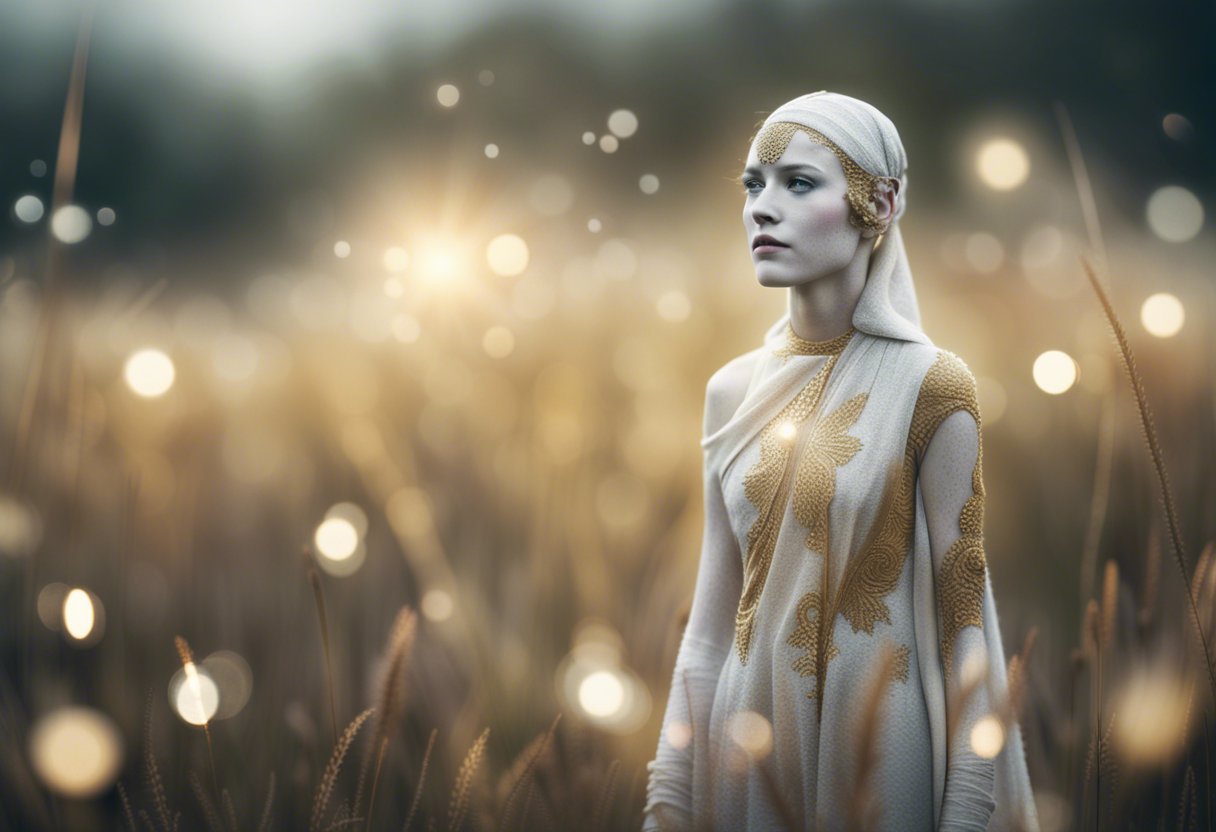
Follow Aubry Steel on X - a character in our storyverse
Andrei Riabovitchev presents Circle of Life - created with Stable Diffusion
“Life begins like a dream, becomes a little real, and ends like a dream.”
― Michael Bassey Johnson, The Oneironaut’s Diary
FloraFauna Flux Midjourney Claude Grok Dream Machine
Follow Aubry Steel on X - a character in our storyverse
Andrei Riabovitchev presents Circle of Life - created with Stable Diffusion
“Life begins like a dream, becomes a little real, and ends like a dream.”
― Michael Bassey Johnson, The Oneironaut’s Diary